Property developers
Hold every contractor accountable. Progress, approvals and payment on the same development.
Sales and Office Workspace for commercials, CRM and Property Sales. Project Delivery for contractors, proof and payment on the same development. Ops & Procure, Finance, and Admin agents. You confirm every write.
One development record: commercials and Property Sales in Sales and Office Workspace; contractors and the build in Project Delivery.
- Developers
- REDAN
- Residential
- Commercial
- Mixed-use
How developers run it
Every contractor stays on the same development
Estimate, quote, assign the contractor, capture the field, then invoice and pay from the same project, not from a folder of WhatsApp forwards.
- Estimate
- Quote
- Contractor
- Task
- Field
- Report
- Invoice
- Payment
01 · Estimate & Cost
Cost the development
Open the estimate on the development. Take-off and cost rates live with the project, not in a spreadsheet.
02 · Finance
Quote from the same numbers
Turn the estimate into a contractor or buyer quote, then invoices and pay links from the same record.
03 · Projects & Tasks
Assign the contractor
Put every contractor on the same development: tasks, milestones and progress in one view.
04 · Field app
See the site
Photos, video and status land on the task so you are not chasing WhatsApp for proof.
05 · Reports & approvals
Approve before you pay
Requests, variations and field reports stay on the development until you sign off.
06 · Invoice & Payment
Pay from the trail
Release invoice and payment against the same proof the office and site already share.
Every team works from the same project: one suite for office and field.
Inside the workspace
The whole job stays in one suite
Estimates, site proof, and payment live on the same project. Office and field stop working from different tools.
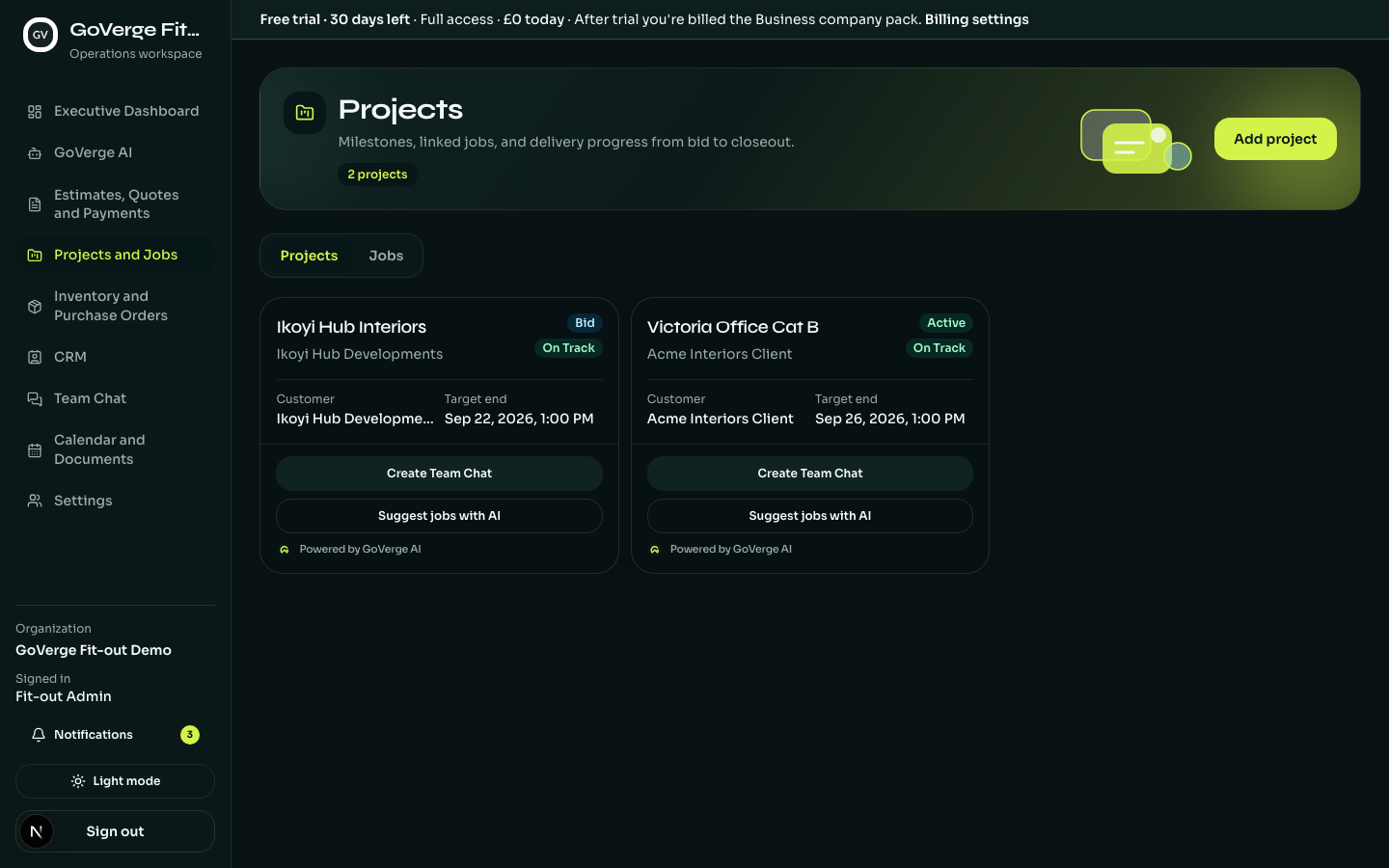
Projects and Tasks · one control room per project
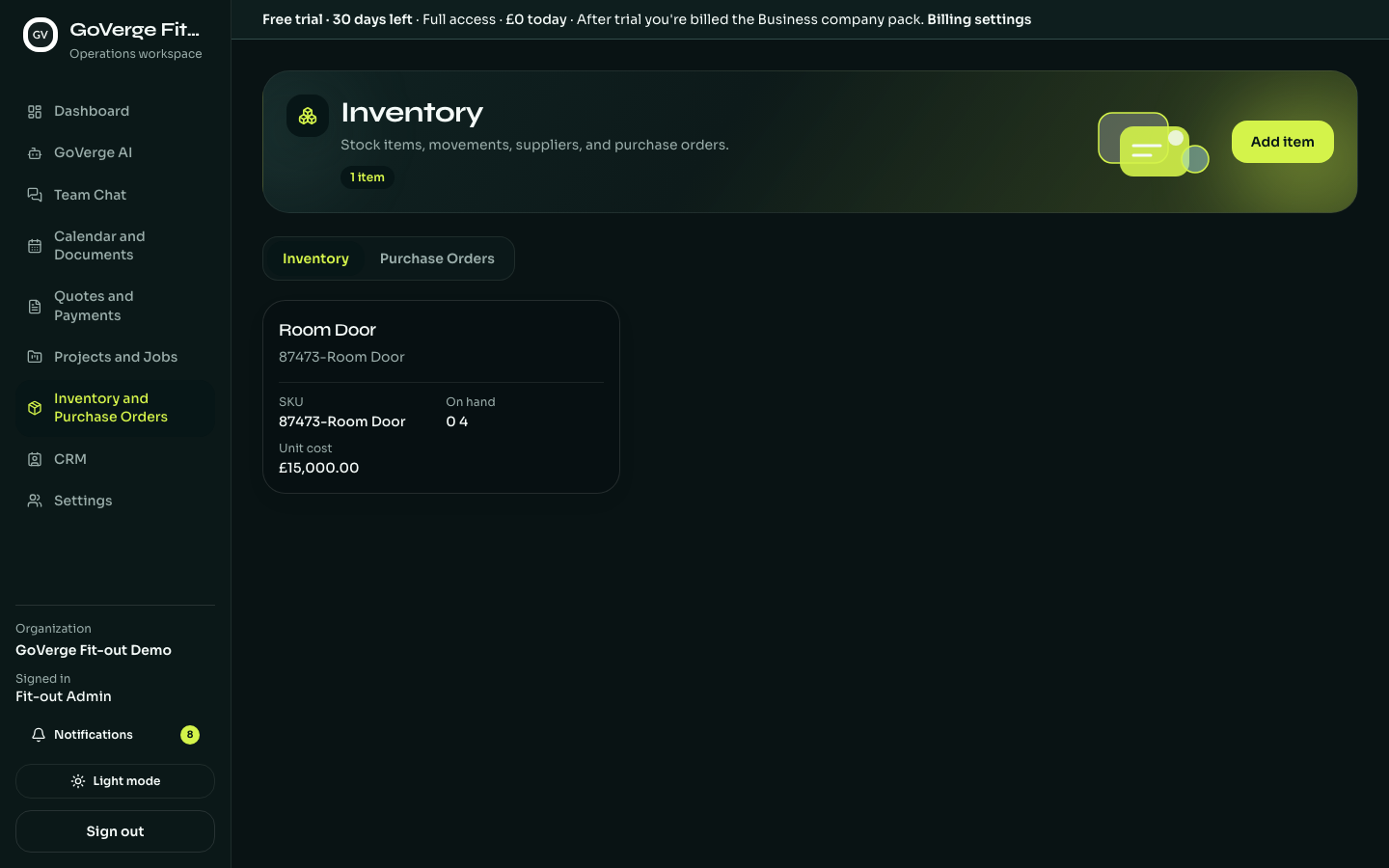
Inventory · stock items with unit costs
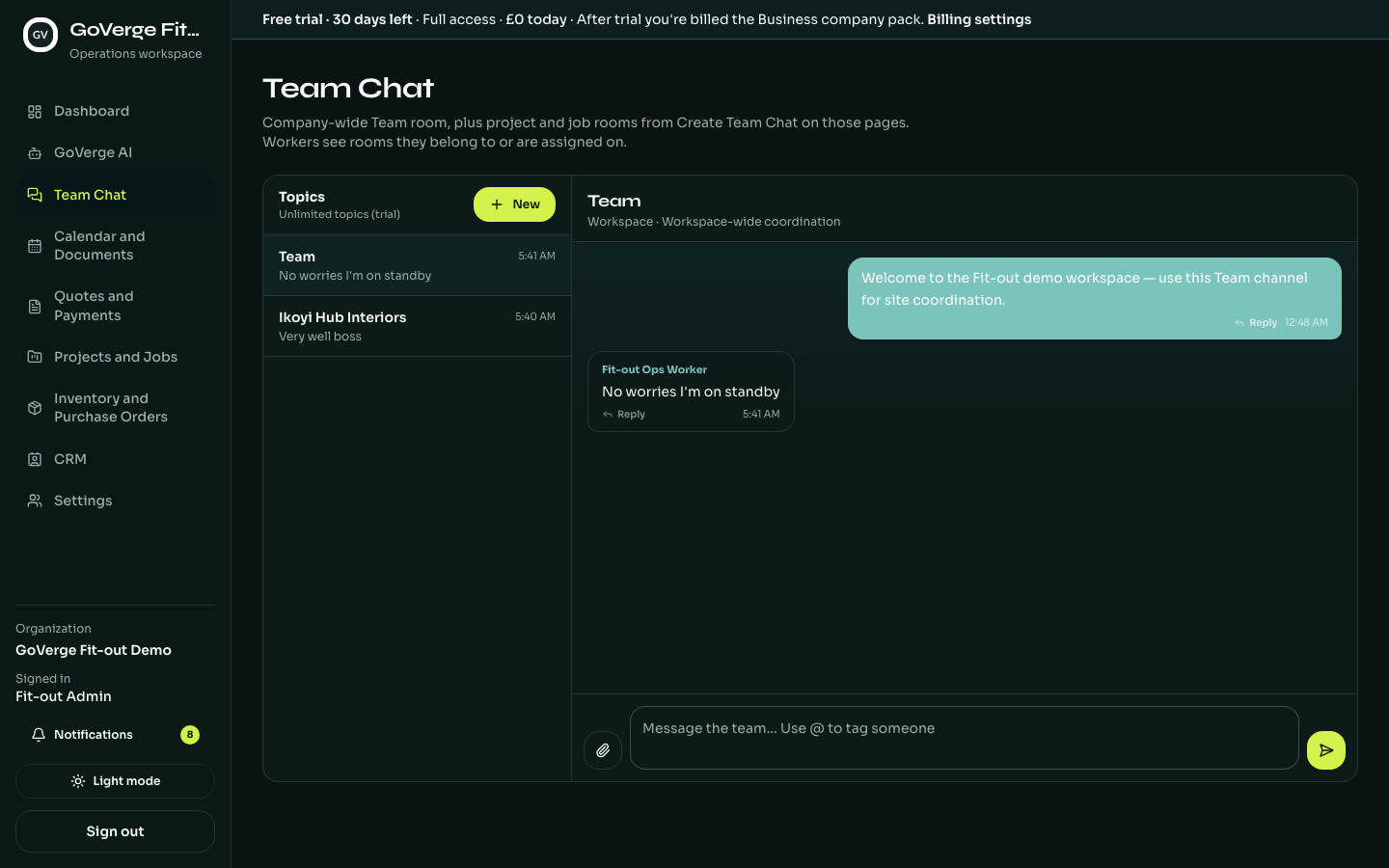
Team Chat · one thread per project
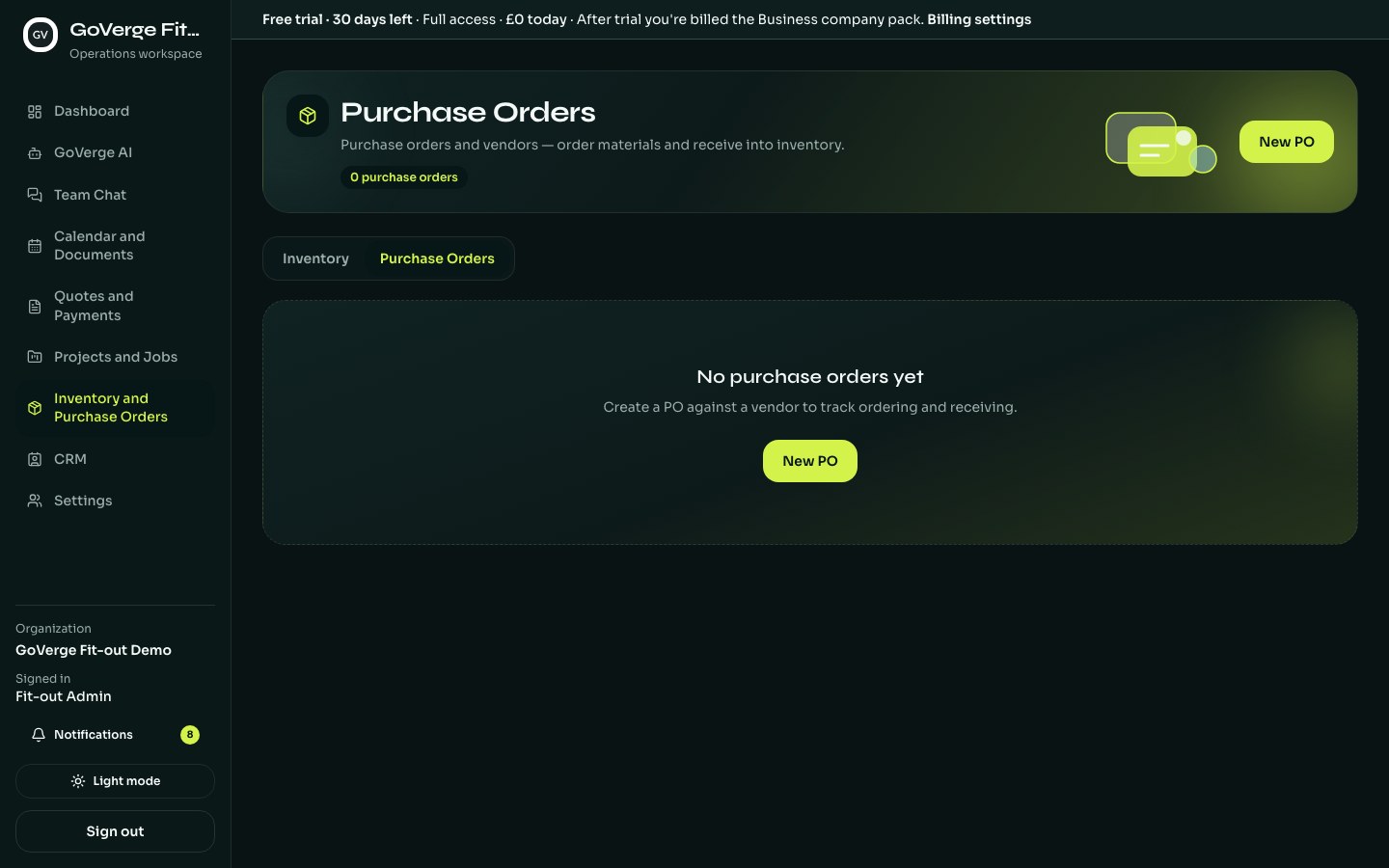
Purchase Orders · Ops & Procure Agent
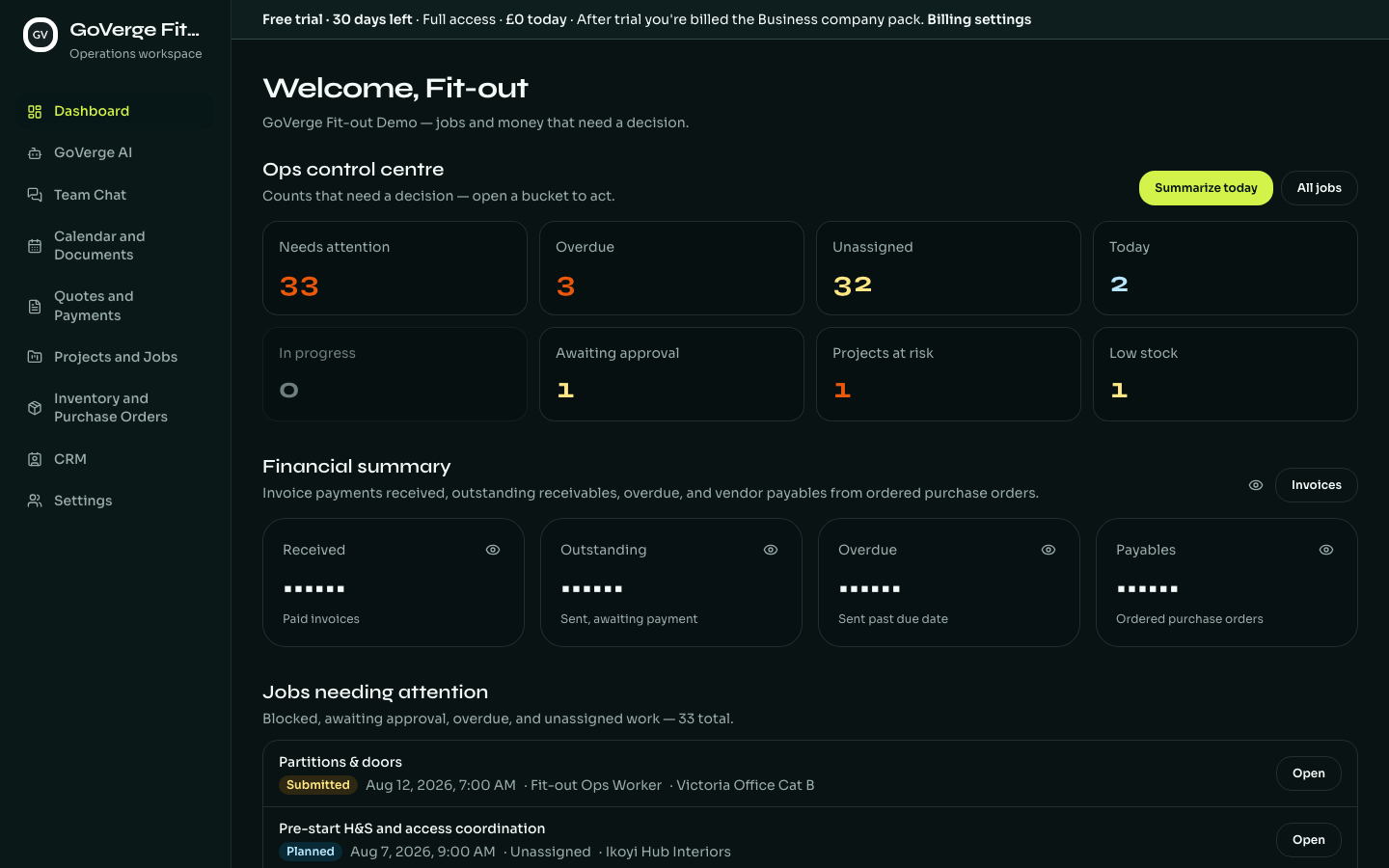
Executive Dashboard · the whole business at a glance